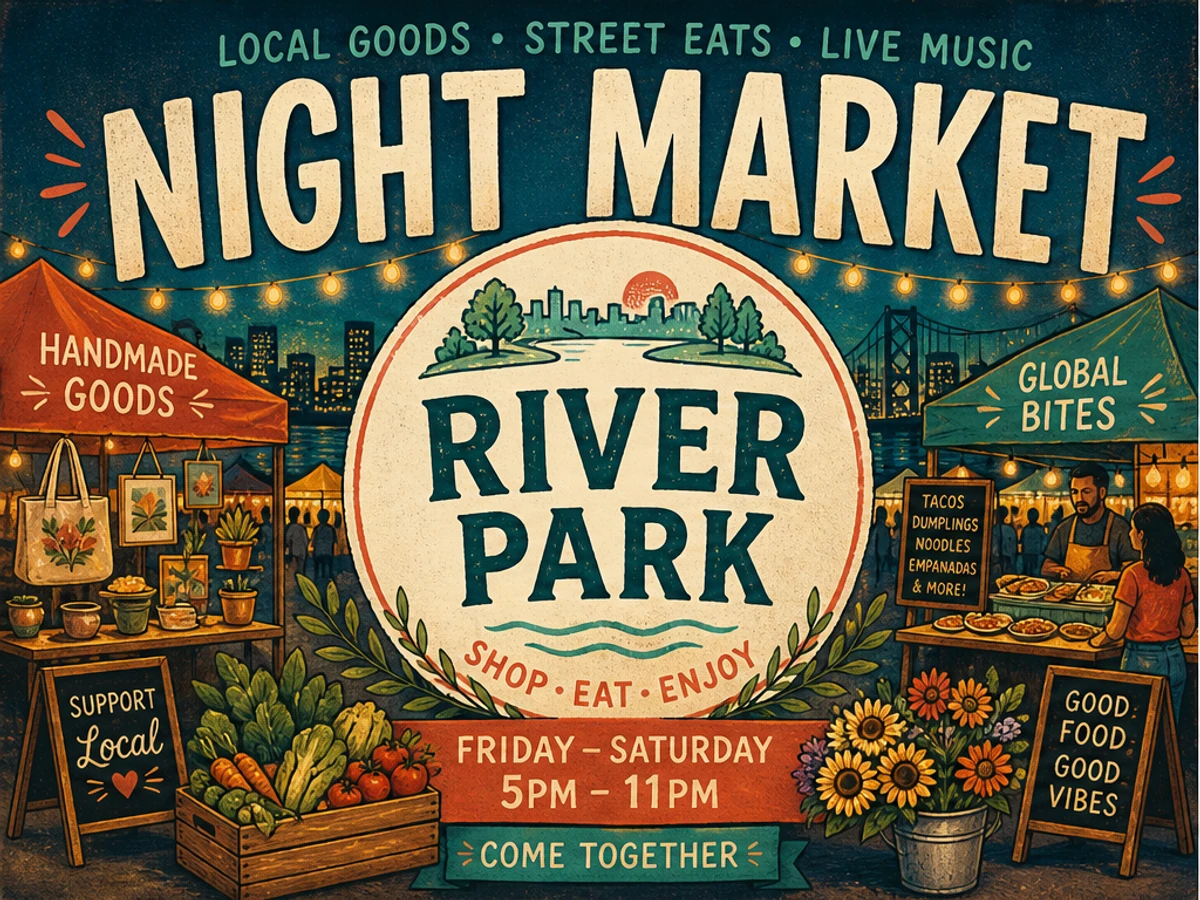
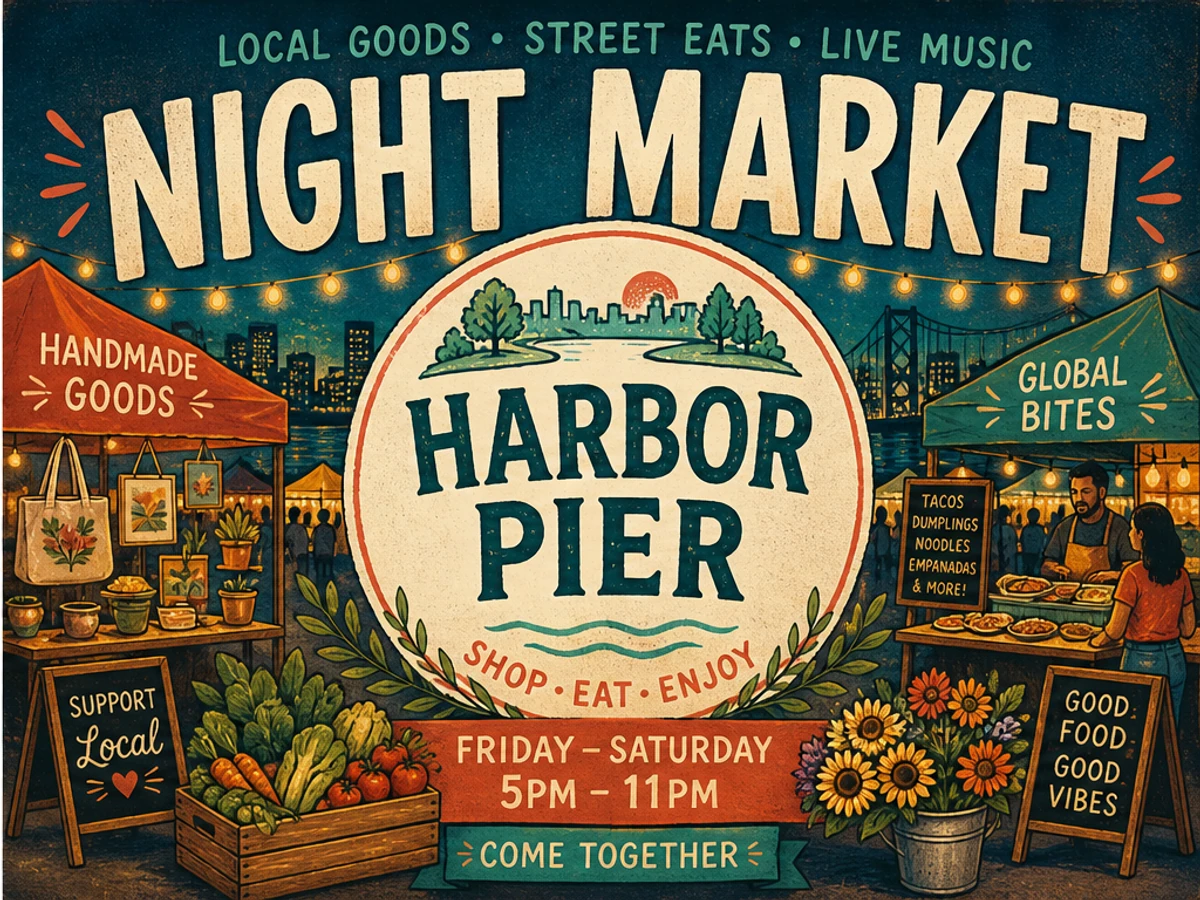
Fix a misspelled, garbled, or incomplete word without regenerating the whole scene. When the image is already working, you can fix text in an AI-generated image by uploading the clearest JPG, PNG, or WebP, entering the old and new wording, and checking the result before you download it.
Yes. When one or two words are wrong but the subject, lighting, composition, and surrounding design already look good, replace only the incorrect text. Regenerating can change all of those successful parts while trying to fix the lettering. If most of the text is unreadable, the text area is tiny, or the layout needs a new hierarchy, generating a fresh image or adding live text may be the better choice.
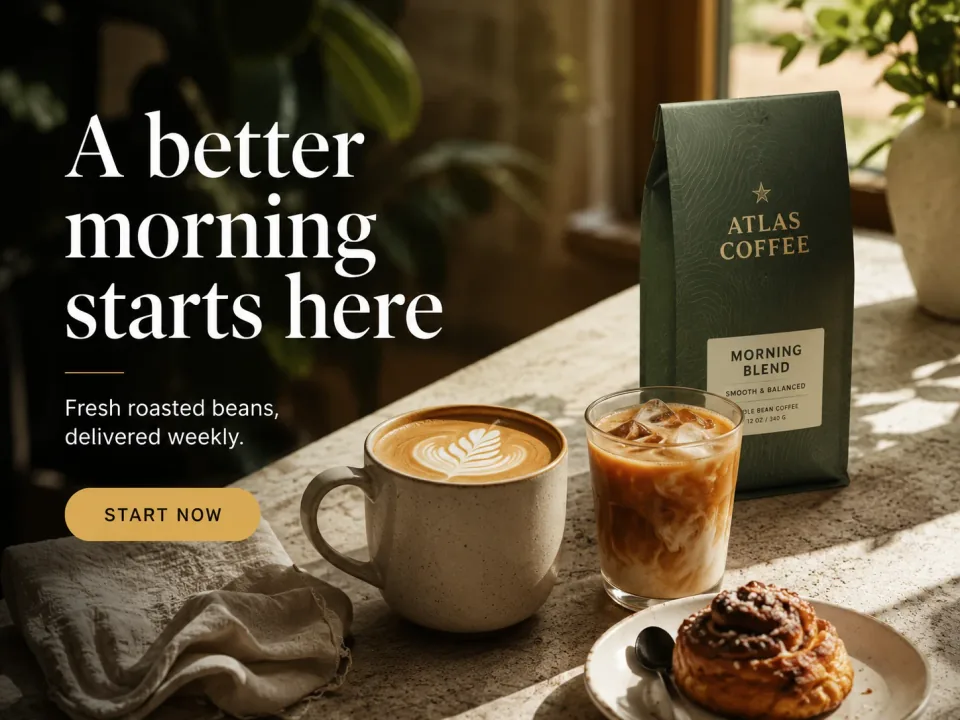
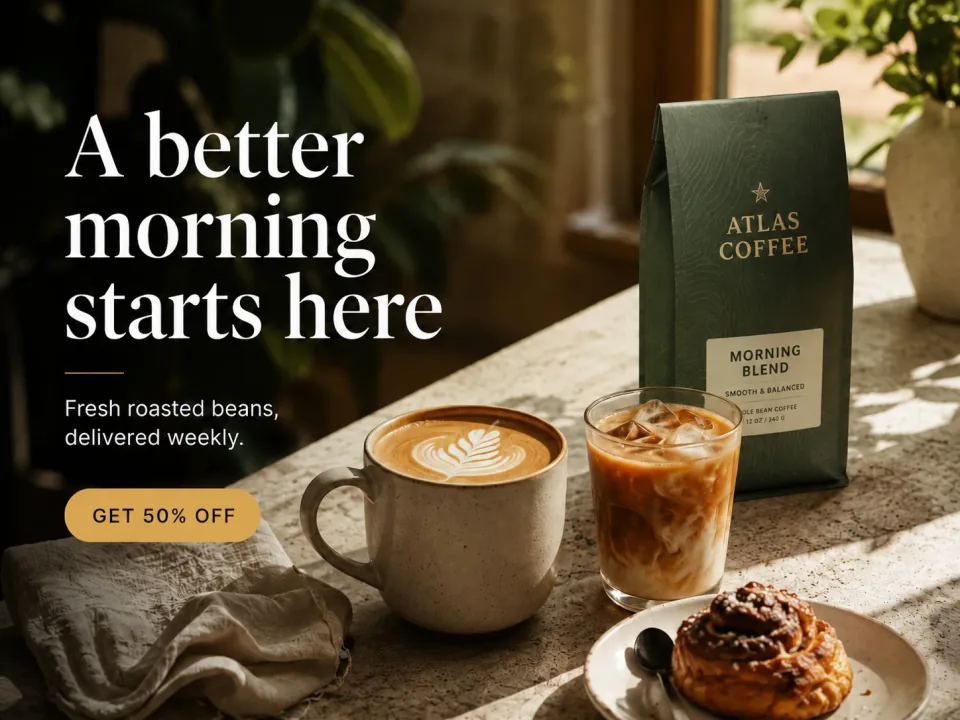
The product lighting, button, and campaign composition are already working. When the approved offer changes, update the short headline without asking an image model to remake the product shot, color balance, or layout around it.


AI image generators often draw words as visual shapes, so a title can look convincing while still containing missing, duplicated, or invented letters.
Fix text in an AI-generated image when a misspelled, garbled, or incomplete word is the only thing holding back a finished scene. ChangeTextImage is useful when the image already looks right and only the wording needs to change. Upload the highest-resolution JPG, PNG, or WebP you have, enter the visible incorrect text and the wording you want, then check the replacement before you use it. If most of the lettering is unreadable or the overall layout is wrong, generating the image again may be the better option.
In an AI image, the words are part of the picture. A sign can look almost right while one letter is missing, repeated, or replaced with a made-up character. Small text, unusual names, curved surfaces, and decorative lettering are especially easy to get wrong.
This is most useful when the image is otherwise the one you want to keep. The goal is to correct the broken text without changing the subject, composition, lighting, or mood that already works. It can make the new wording blend in, but it cannot promise an exact font match.
For long paragraphs, prices, schedules, legal copy, or calls to action, it is usually better to add real text in a design editor. That keeps the wording easy to update and easier for people to read.
| Situation | Recommended path | Reason |
|---|---|---|
| Only 1-3 words are wrong and the scene is strong | Repair | Keep the approved subject, composition, lighting, and palette. |
| Most of the lettering is garbled | Regenerate | There is not enough readable text for a reliable correction. |
| The text is tiny or severely distorted | Upscale first or regenerate | The letters need to be clear enough to judge the change. |
| The exact brand font must be reproduced | Use the source file or manual design | Use the real design file when the exact type treatment matters. |
| The image is a record, payment, ID, or official document | Do not edit | Ask the issuer to correct the source through the proper process. |
Keep the image you like, then correct the one part that failed.
Keep the generation with the best subject, pose, lighting, background, and overall arrangement. Do not throw away a strong composition solely because one short line is malformed.
Type the old wording as it appears, including capitalization and punctuation, then enter the replacement. If the letters are not recognizable, select the full text area so old marks do not remain behind.
Check every character at 100% zoom, then view the image again at its normal size. Make sure the text, alignment, color, texture, background, and nearby objects still look natural.
Short display text is often easier to correct than information people need to read closely.
Short signs, cover titles, labels, fictional venue names, and display text are good candidates when the rest of the image already looks right.
Long paragraphs, offer terms, speaker lists, prices, safety notes, and legal language are usually better added later in a layout tool.
Keep the original until you are happy with the change, so you can compare before and after and go back easily if needed.
Some changes need a new layout or a source file, even when the image looks good.
A longer phrase may force compressed spacing or a new line. Shorten the wording or rebuild the layout instead of accepting an unnatural fit.
Blur, glare, compression, obstruction, and heavy texture can hide the letter edges and background detail needed for a clean change.
Upload the strongest version, correct one complete text area, and check the result before you use it.
It means replacing a short misspelled, garbled, or incomplete word inside a finished scene while trying to keep the surrounding composition intact. AI image generators draw words as part of the picture, so small type, unusual words, curves, and decorative lettering still need a careful check.
Correct the smallest complete area that contains the error. Use the whole line when the old word runs into nearby marks or when changing one character would leave part of the old text behind.
Yes. Upload a finished image from any of these tools when you own it or are allowed to edit it. Check the result carefully because each image has different textures and lettering.
The edit is focused on the selected text area and aims to keep the rest of the image in place, but AI editing is not exact. Compare the result with the original and check nearby objects before downloading.
Generate again when most text is unreadable, the text area is too small to inspect, the layout is wrong, or the new wording needs a different hierarchy. If only a short phrase is wrong, correcting it directly is usually easier.
Upload JPG, JPEG, PNG, and WebP files up to 10 MB. Use the clearest original export available rather than a compressed screenshot of a screenshot.
Sign in to receive one lifetime 512px low-quality preview credit for the account. This is a one-time preview, not an unlimited free plan.
ChangeTextImage does not add a site watermark to generated downloads.
Keep the original file, inspect the replacement at full size and normal publishing size, and decide whether a tighter target, a cleaner source, or a manual rebuild is the better next step.
These primary and technical references support the guidance on this page.