Colorful Portrait
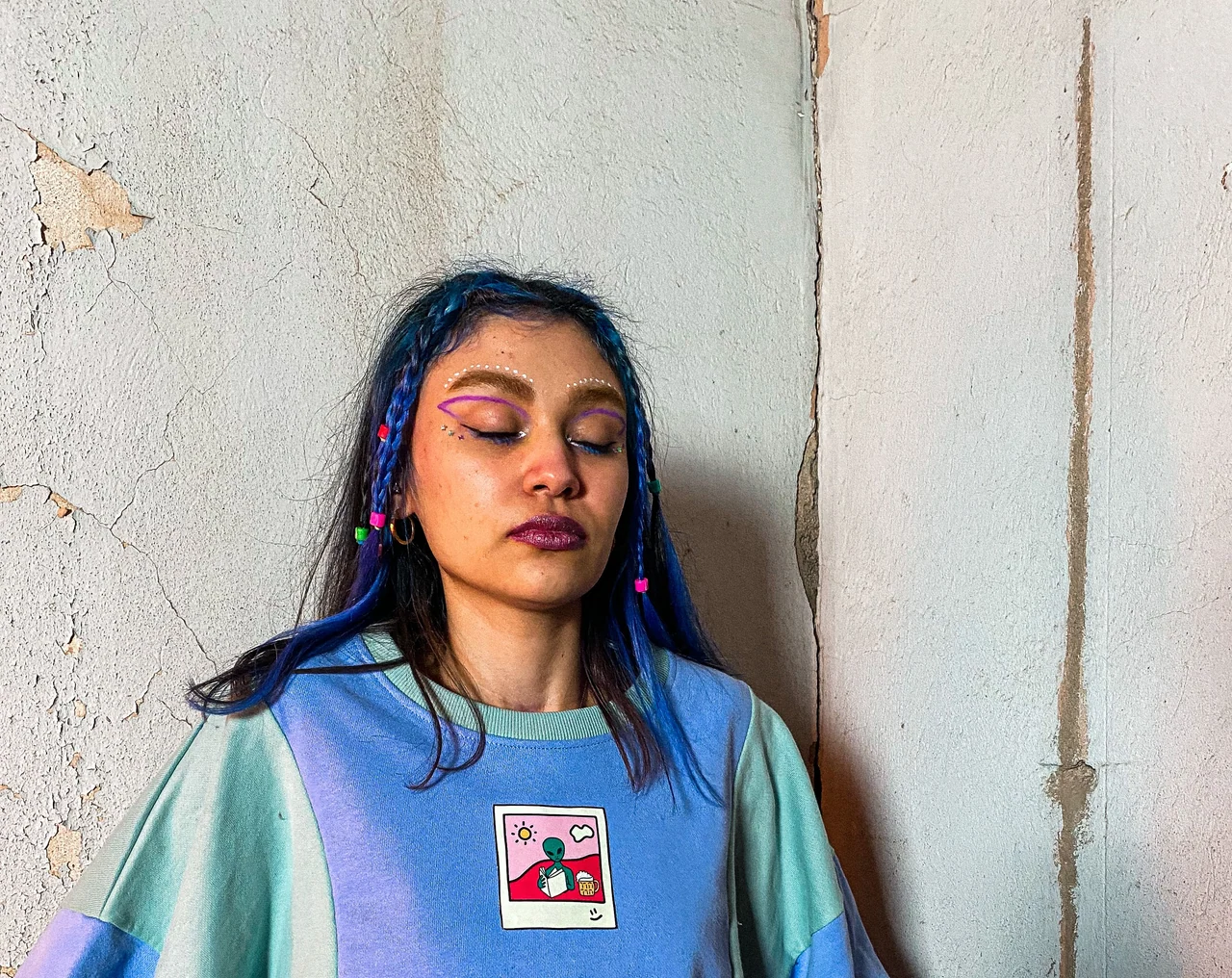
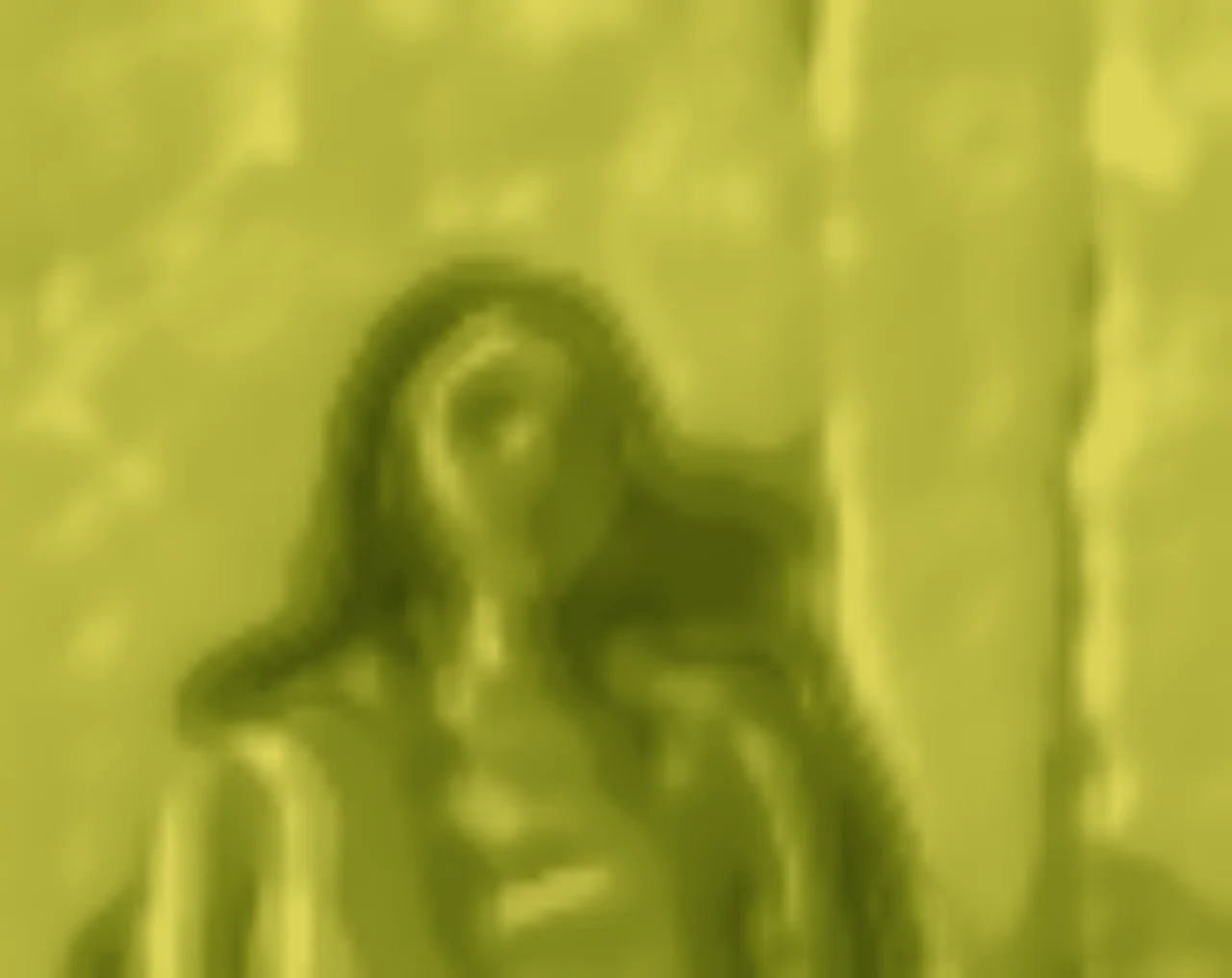
Blue and violet clothing melt into creamy yellow-green planes, leaving the portrait pose and larger color blocks intact.
Upload a photo and give it the viral Matcha Filter look in seconds. Wrap it in creamy yellow-green Matcha, olive shadows, and waxy liquid texture, adjust the effect strength, and download your result free with no watermark.
The Matcha Filter is a local cover treatment, not an AI redraw. Upload a JPG, JPEG, PNG, or WebP image up to 10 MB, select Light Cover, Liquid Cover, or Opaque Cover, adjust the effect from 0 to 100, compare the original with the result, and download the finished photo. The standard tool runs in the browser, so it does not need to send your image to a generative AI model.
These examples were produced with the same Liquid Cover preset and 70% strength available in the tool. The effect wraps the photo in creamy yellow-green tones, olive shadows, and liquid planes while keeping its composition intact.
Blue and violet clothing melt into creamy yellow-green planes, leaving the portrait pose and larger color blocks intact.
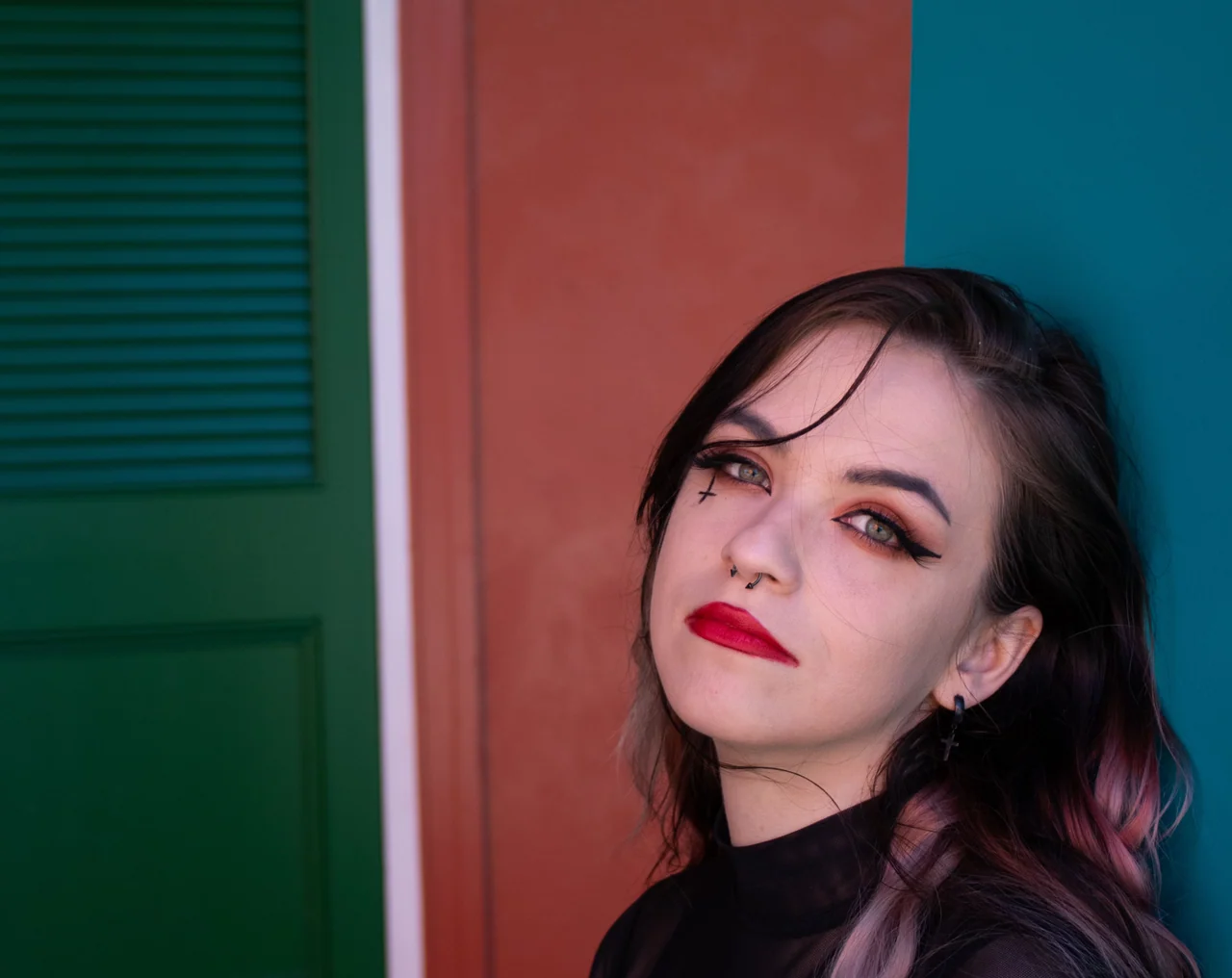
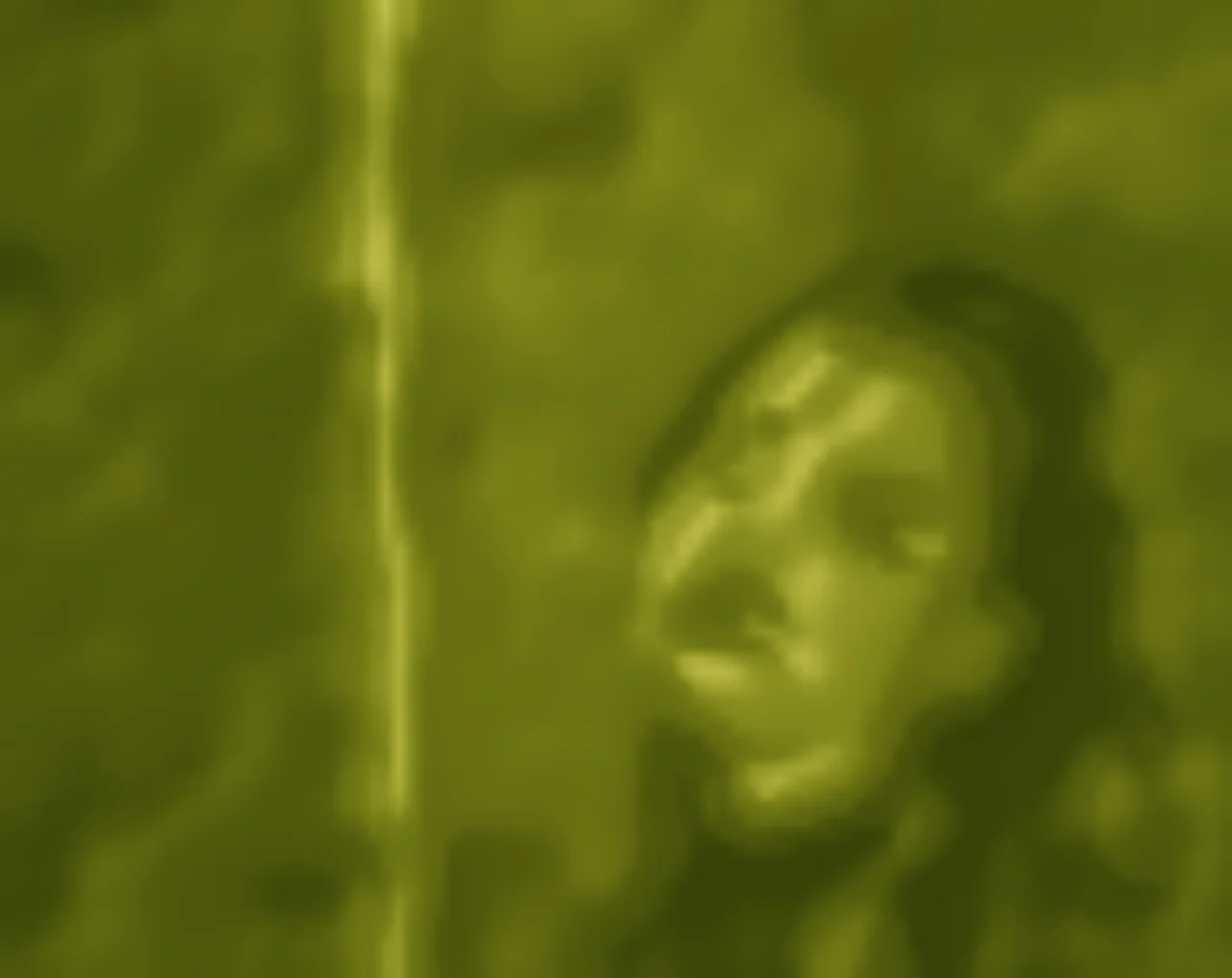
Cool teal, coral, and black flow into an olive scene with softened facial, hair, and door texture.

Warm lamps, a dark jacket, and a beard become broad Matcha forms with waxy highlights and liquid olive shade.
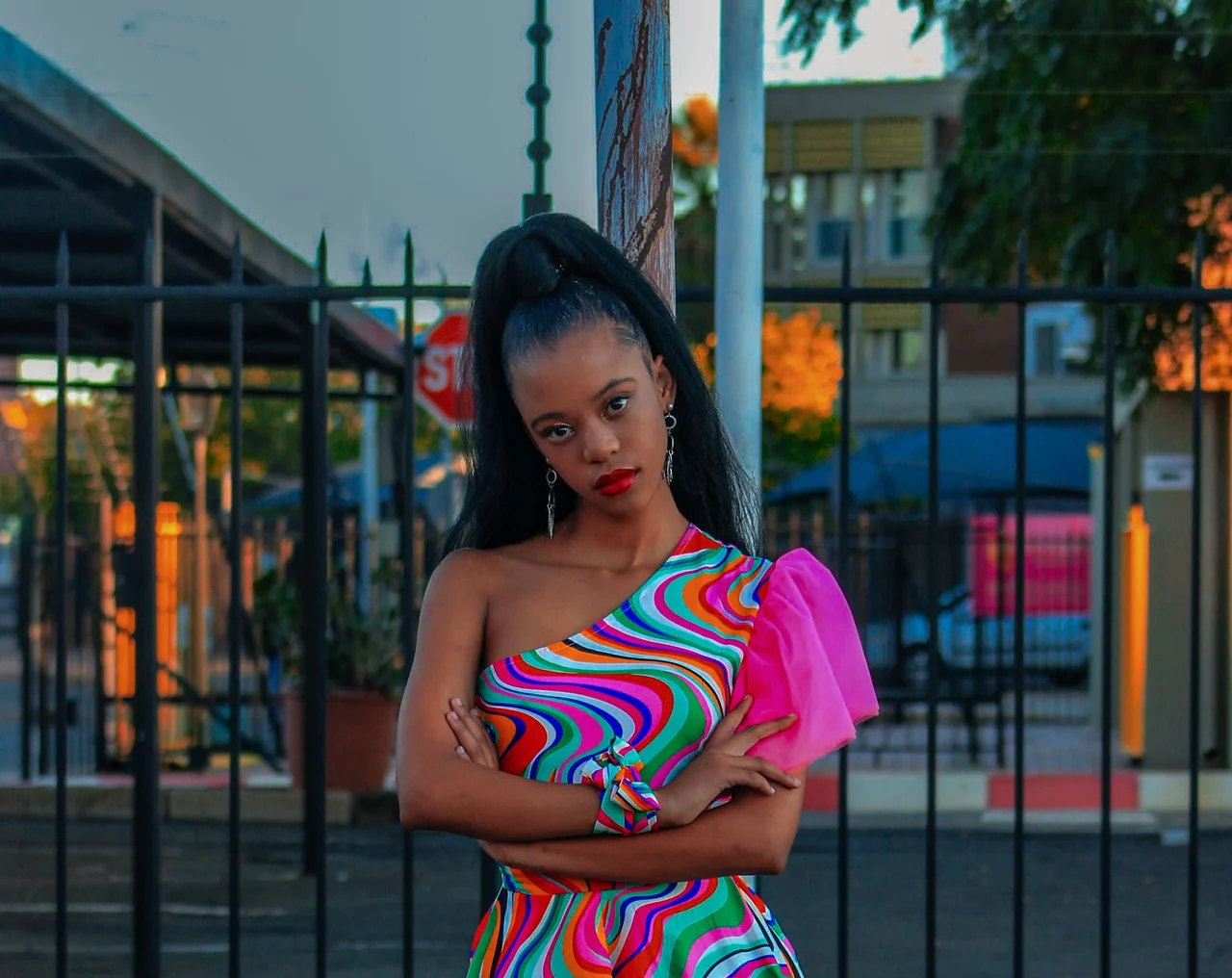
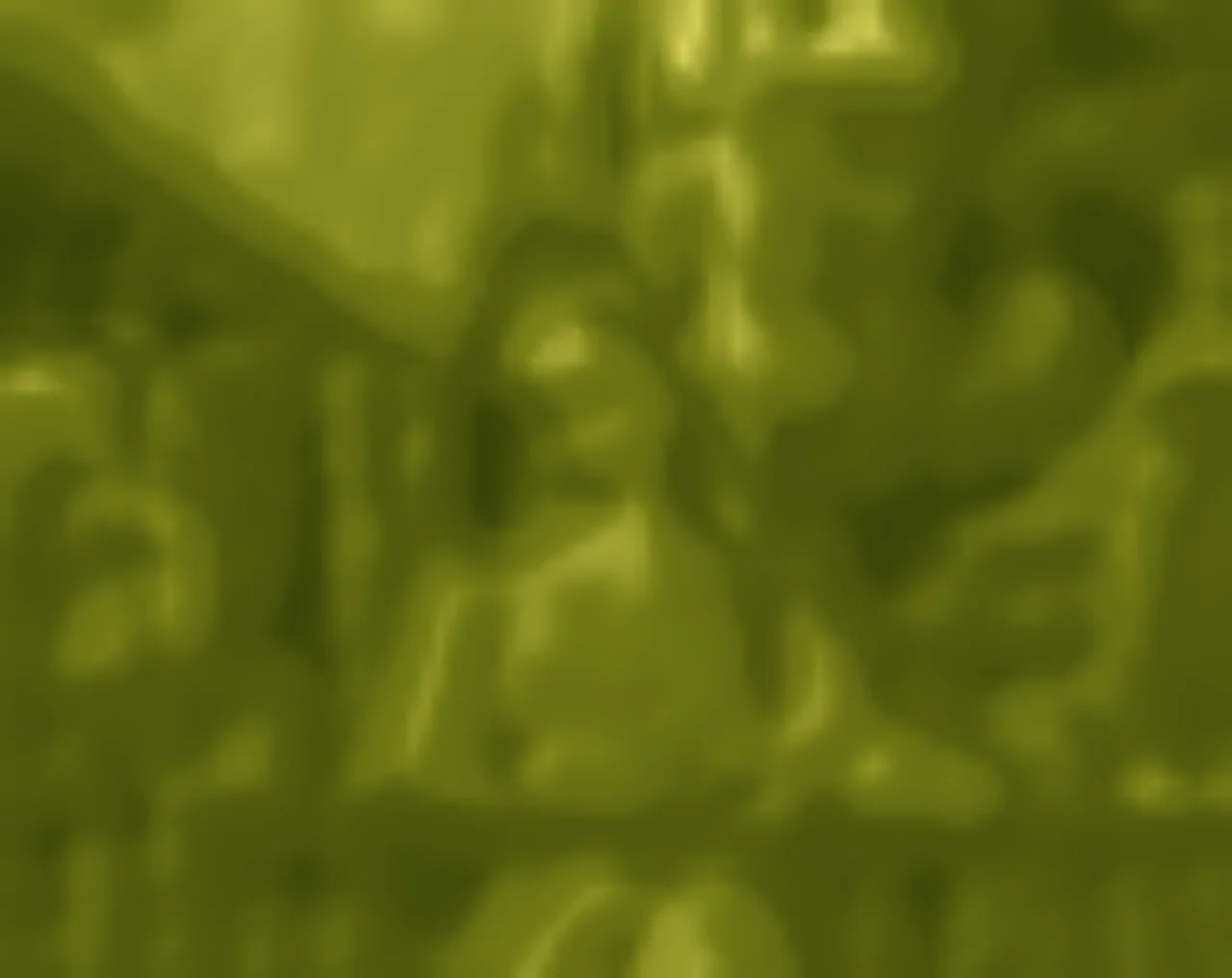
A vivid patterned dress becomes a unified yellow-green surface while the subject, pose, and framing stay recognizable.
The Matcha Filter is a yellow-green cover treatment with creamy highlights, olive shadows, simplified tonal planes, and a softly waxed finish. Instead of redrawing the subject, it turns fine source texture into broad material planes. Liquid Cover gives the signature look, Light Cover leaves more of the larger form visible, and Opaque Cover creates the fullest liquid treatment.
Use the Matcha Filter for selfies, profile photos, casual portraits, Instagram posts, stories, moodboards, café scenes, food photos, and bright outdoor shots. It can recreate a familiar TikTok Matcha Filter look for still photos without opening TikTok or searching through in-app effects. This is an independent Matcha-style photo filter and is not affiliated with or endorsed by TikTok.
A Matcha Filter should change the visual treatment of your photo, not replace the photo itself. The standard filter preserves broad subjects, poses, backgrounds, and objects while deliberately folding fine texture into a smooth Matcha surface. No prompt is needed: upload, choose a cover, adjust the strength, and preview immediately.
After you download your Matcha Filter photo, use ChangeTextImage to edit text in an image, replace text in a photo, correct an event poster, or update owned product screenshots. Those image-text workflows are separate from this free color filter.
The Matcha Filter is a yellow-green cover effect with creamy highlights, olive shadows, liquid planes, and a waxy finish. It keeps the broad scene recognizable while folding fine source texture into the Matcha material.
Upload your photo, choose Light Cover, Liquid Cover, or Opaque Cover, adjust the effect strength, compare the result with the original, and download your edited image.
Yes. You can apply a Matcha-style photo effect directly in your browser without opening TikTok or using an in-app effect.
No. This is an independent Matcha-style photo filter inspired by the viral green-toned aesthetic. It is not affiliated with or endorsed by TikTok.
Yes. The standard Matcha Filter is free to use, and downloaded images do not include a ChangeTextImage watermark.
It keeps the broad pose and composition, but the Matcha Cover intentionally softens fine facial, hair, fabric, and small-text detail into wider material planes. It is a style effect, not a tool for obscuring ownership, identity, records, or other material information.
Yes. Use the Effect Strength slider to make the Matcha look more subtle or more noticeable before downloading.
You can upload JPG, JPEG, PNG, and WebP images up to 10 MB.
This tool is designed for still photos. Video filtering needs a separate workflow so the effect stays consistent from frame to frame.