

Replace text in a photo for free with one signed-in preview when the original design layer is gone. Upload a JPG, JPEG, PNG, or WebP file, change the visible wording, and review the result before using paid output.
Yes. You can replace text in a photo for free with one 512 px low-quality preview after signing in. A finished photo does not store editable text layers, so the service removes the old lettering, repairs the nearby background, and blends the replacement wording into the same area for you to review.
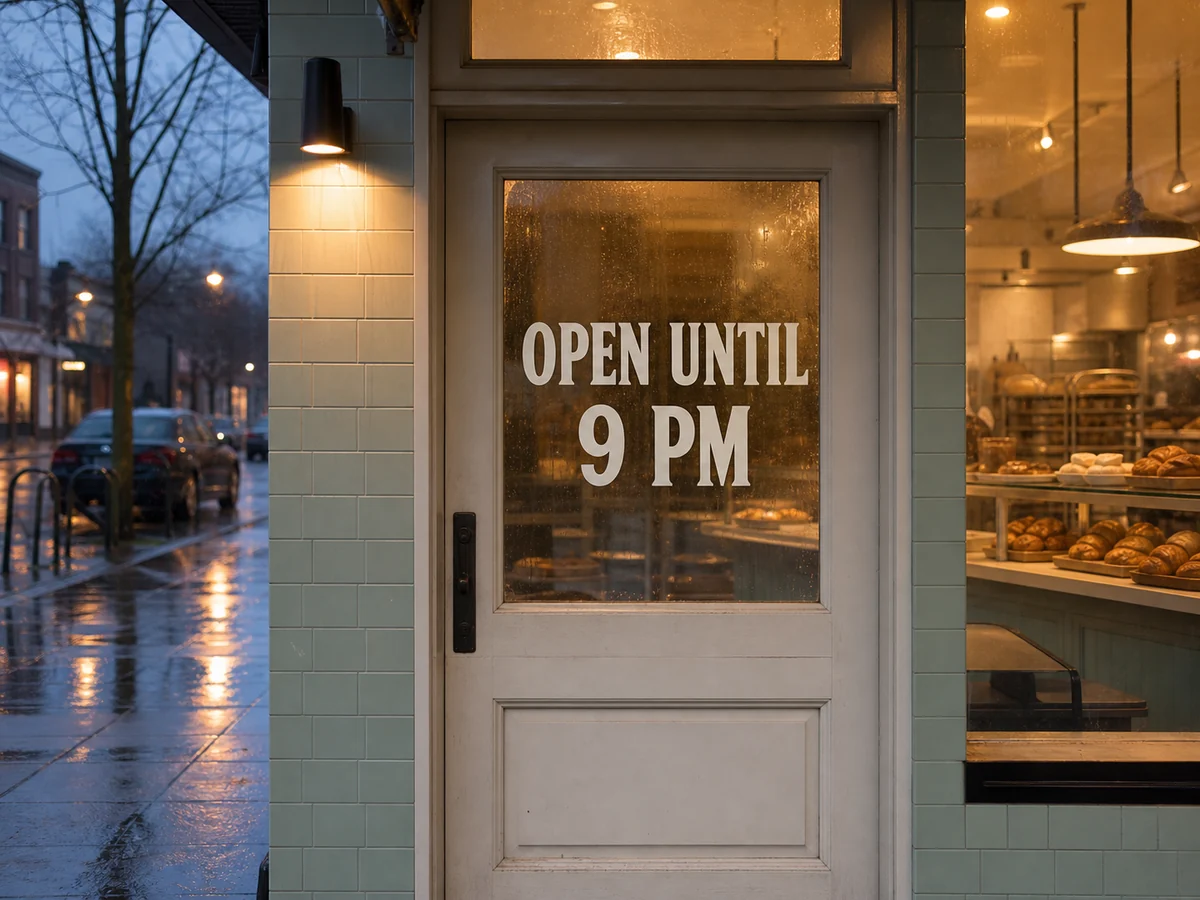
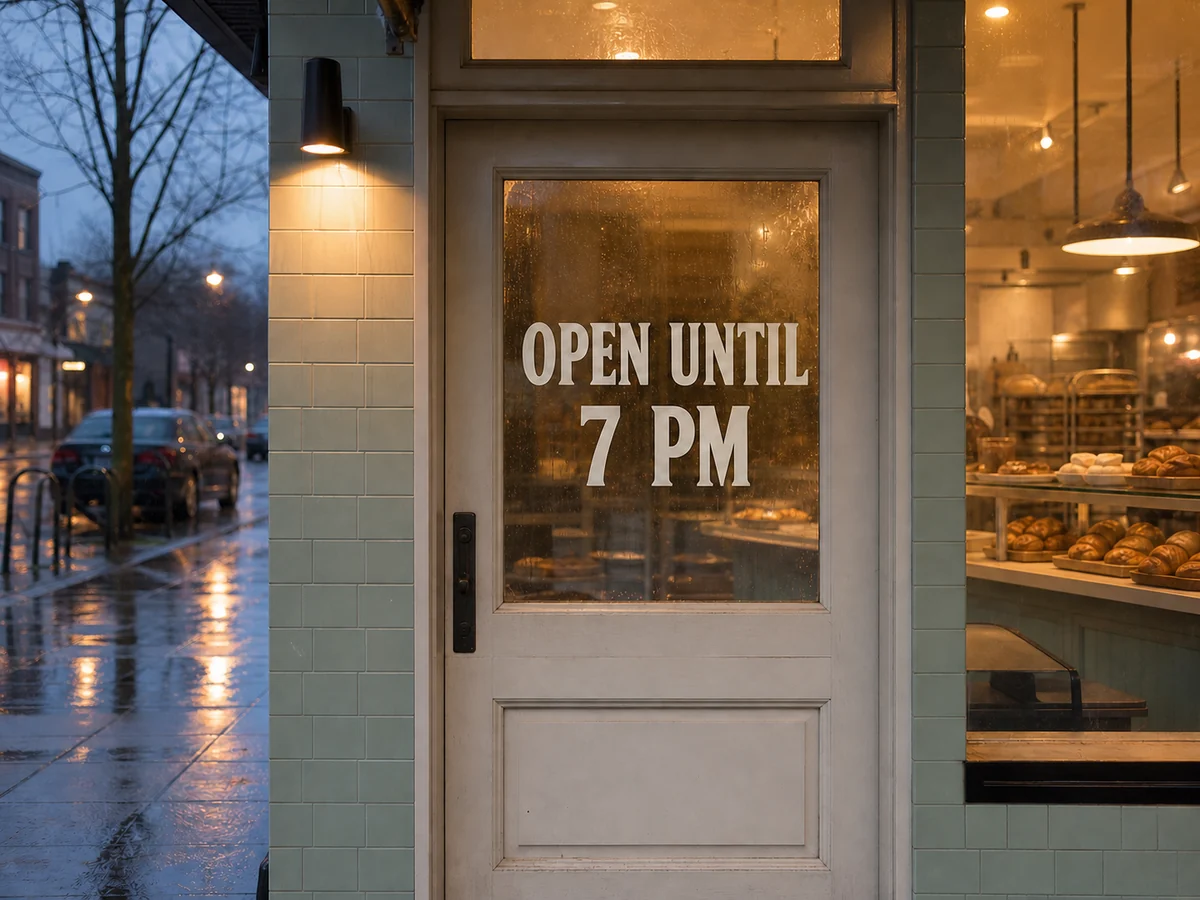
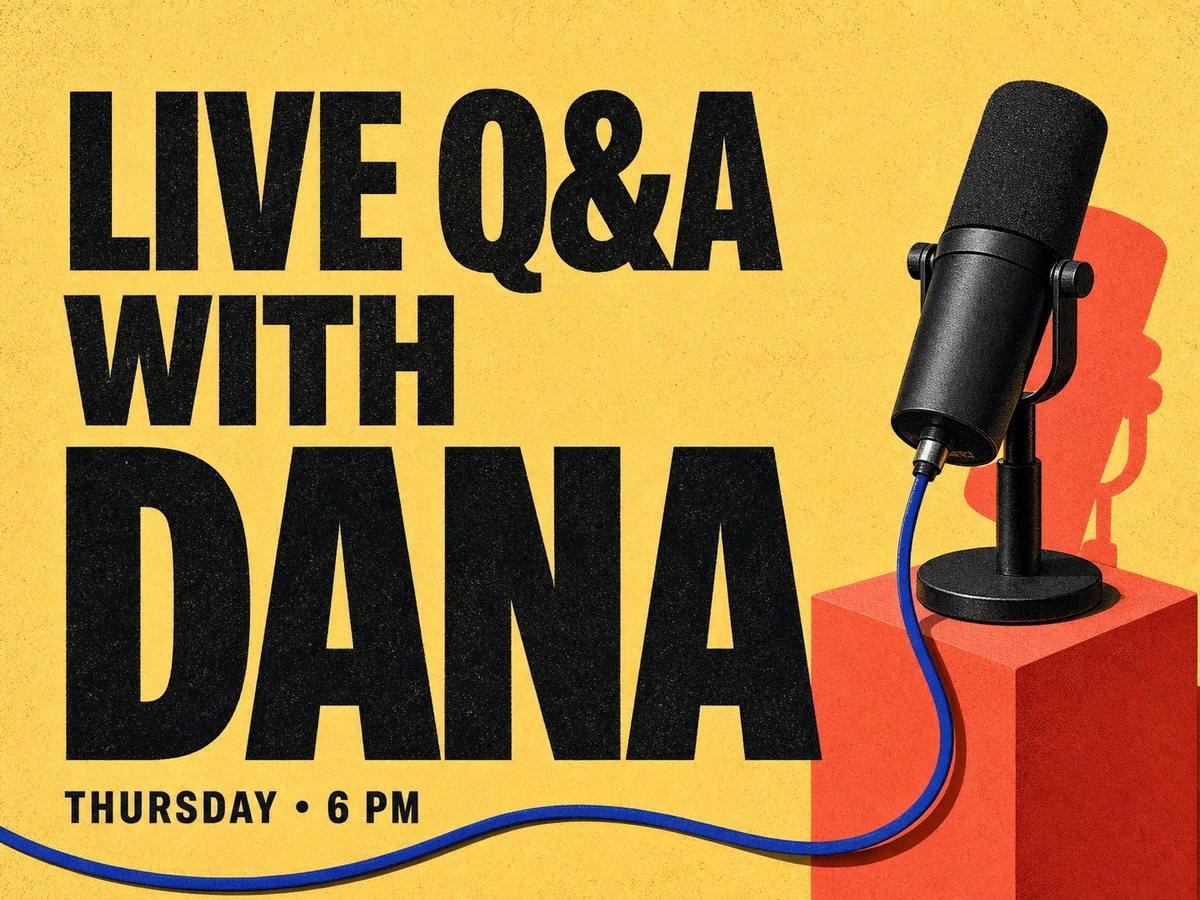
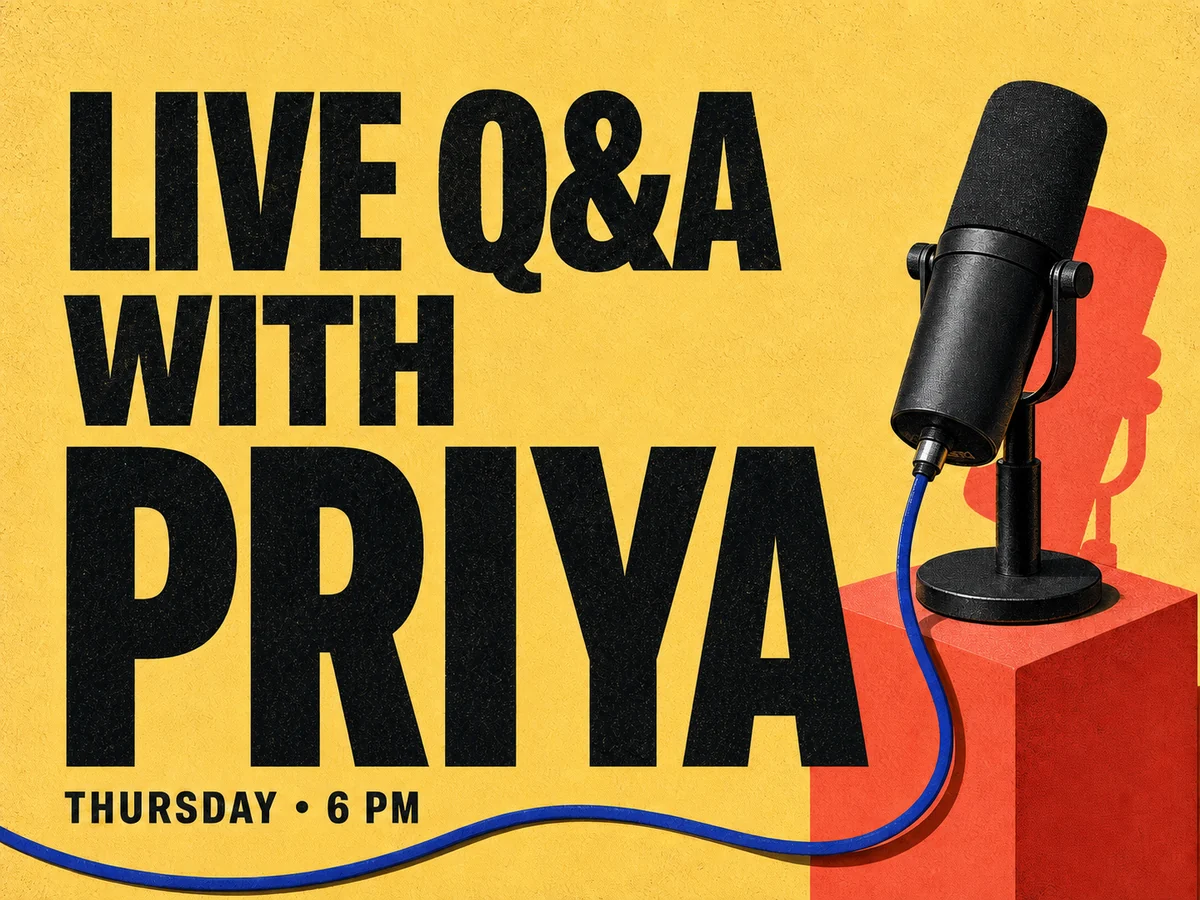
Use this workflow when you need to replace text in a photo for free before committing to a production edit. Good candidates include owned product photos, posters, menus, signs, and help-center screenshots with one clear wording change.
Free means one lifetime 512 px preview credit after your first sign-in. It is a fit check, not unlimited generation. Generated downloads have no ChangeTextImage watermark; repeated edits and 2K output require paid credits.
Upload a clear JPG, JPEG, PNG, or WebP file up to 10 MB. Readable lettering, enough surrounding background, and replacement wording close to the original length give the model better context. Heavy compression, glare, curved surfaces, or tiny text are harder.
Edit the real text layer when you still have a PSD, Figma, Canva, or other layered source file. Use the photo workflow when the file is flattened, the designer is unavailable, or the source asset no longer exists.
Use generated results only after checking the target area, spelling, background repair, and factual accuracy. Do not falsify IDs, receipts, payment records, bank materials, official documents, private messages, or screenshots meant to deceive another person or institution.
Upload the photo, enter the visible words and their replacement, optionally mark the target area, then generate and compare the edited photo with the original before downloading.
Yes. The first signed-in account preview is one 512 px low-quality edit, and generated downloads do not add a ChangeTextImage watermark. Repeated edits and 2K output use paid credits.
Short, readable changes such as a date, price, label, product name, sign, or headline work best when the photo is sharp and there is enough surrounding background to rebuild the old text area.
The edit targets the selected wording and tries to preserve unrelated objects, colors, and layout. Always compare the result with the original because nearby textures or details can still shift.
Yes. This workflow is intended for finished photos without editable text layers. It removes the visible lettering as pixels, repairs the nearby background, and blends the new wording into that area.
It can try, but patterned surfaces, curved labels, glare, shadows, fabric, and tiny or angled lettering are harder than flat text on a simple background. Review complex edits carefully.
Similar-length wording is easier to fit into the existing space without cramped letters or changed alignment. Longer replacements may need a shorter phrase or another generation.